
How do I change my subscription plan on Kinatico Compliance?
This guide walks you through updating your plan in the Billing section of Kinatico Compliance.
What You'll Need:
- System Owner access to the Kinatico Compliance Admin Portal
Time Required: 2 minutes
Step-by-Step Instructions
Step 1: Open Settings
- Select Settings from the main navigation
Step 2: Go to Billing
- Click the Billing tab
Step 3: Change Your Plan
- Click Change Plan
- Select your preferred plan. Choose a higher plan to upgrade, or a lower plan to downgrade
Good to Know
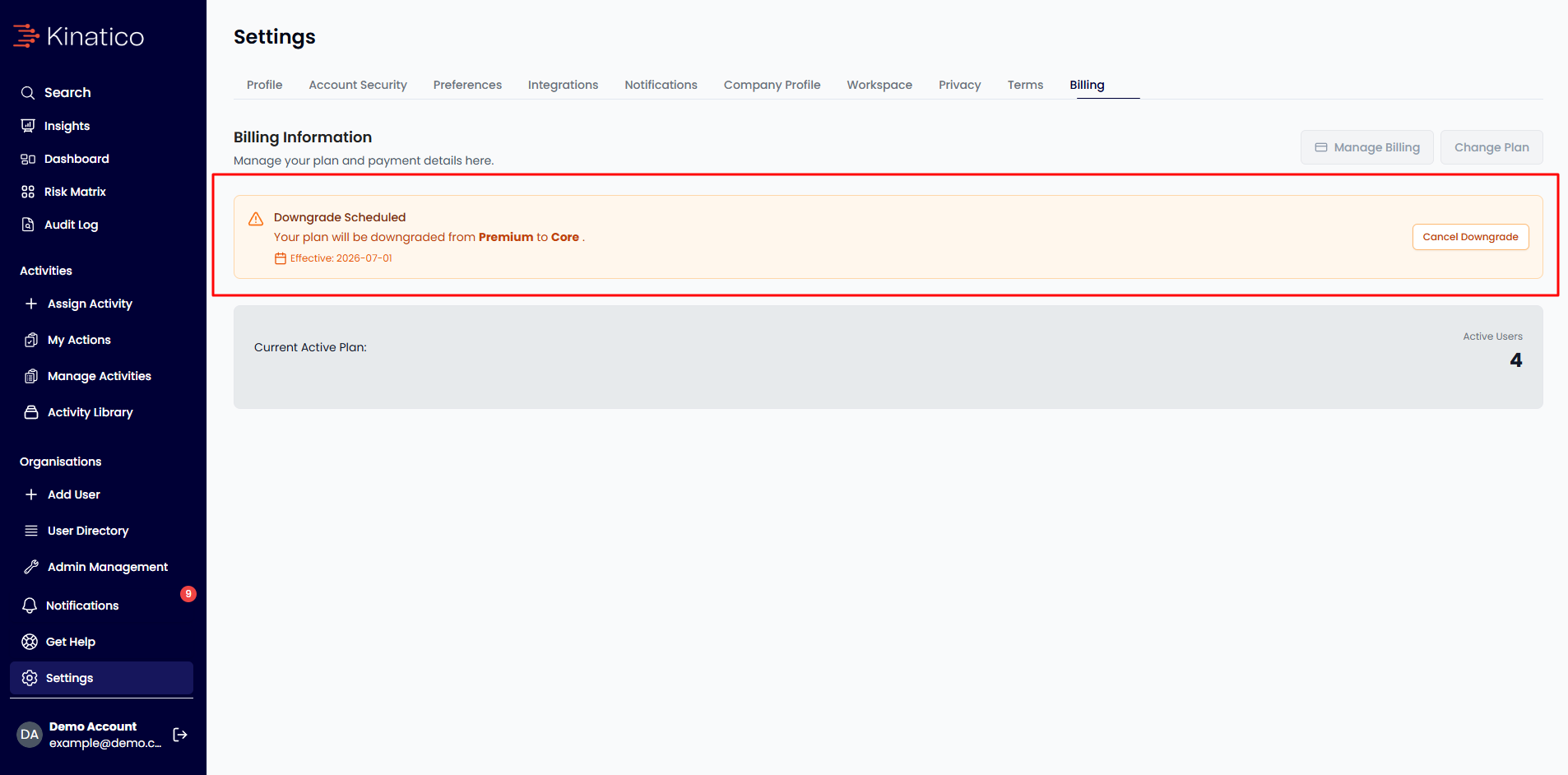
💡Downgrading mid-cycle: If you downgrade, the change is scheduled to take effect at the end of your current billing period. A confirmation banner will appear on your Billing page showing the effective date. You can cancel a scheduled downgrade at any time by clicking Cancel Downgrade.
Need Additional Help?
Still have questions? Contact us by selecting Get Help from the main navigation, then email to send us a message. Alternatively, email our support team at cxsupport@kinatico.com